









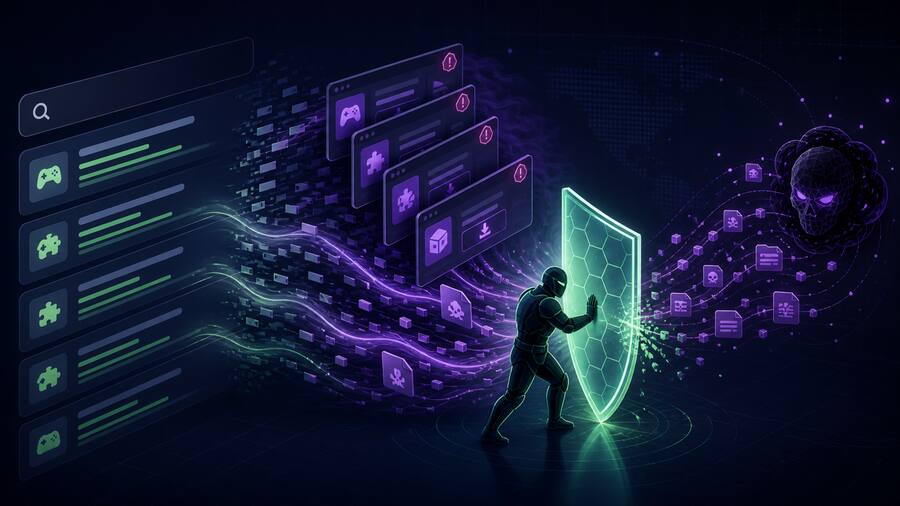



A new EvilTokens “ghost phishing” campaign is a useful reminder that the real phishing page does not always exist when the email security stack first inspects the link. According to reporting in The Hacker News, the campaign hides the malicious HTML behind browser-side decryption and uses Microsoft device-code phishing to move from a clicked link to Microsoft 365 account takeover.
That matters for small businesses, managed service providers, and government contractors because Microsoft 365 is not just email anymore. It is identity, file storage, Teams, SharePoint, invoicing, contracts, and often the first step toward business email compromise. If the first scan says “clean,” but the browser later decrypts the actual lure, defenders can lose the window where fast containment is easiest.
What happened
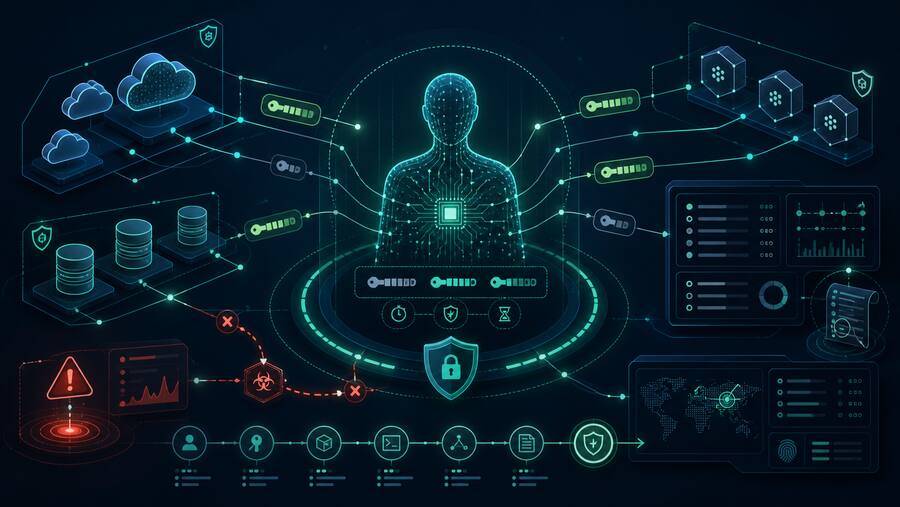
The reported campaign uses an EvilTokens phishing flow where the initial page can appear harmless to static inspection. The dangerous content is encrypted and only becomes visible after the victim’s browser decrypts and renders it in the Document Object Model. The attack then abuses Microsoft’s device-code login flow: the victim completes a legitimate Microsoft authentication process, but the authorization is handed to the attacker-controlled session.
That approach weakens controls that only evaluate the initial URL response, because the page seen by the scanner may not be the page the employee sees after browser execution. In practical terms, security teams may get a clean or inconclusive verdict while the user is already being pushed through a cloud-account authorization flow.
Why it matters
This is not just a phishing-page trick. It is a cloud identity problem.
- Password theft is not required. Device-code phishing can grant access without capturing a password directly.
- Email scanning can miss the final behavior. If malicious content appears only after browser-side decryption, static URL checks have limited evidence.
- Microsoft 365 compromise scales fast. One account can expose mailboxes, OneDrive, SharePoint, Teams chats, invoices, contracts, and downstream SaaS access.
- Incident response gets delayed. Analysts may waste time reconciling a “clean” URL verdict with a user report or suspicious sign-in alert.
Defensive takeaways
Organizations do not need exotic tooling to reduce the risk, but they do need to treat browser behavior and cloud identity telemetry as first-class evidence.
- Monitor device-code authentication. Alert on unusual device-code flows, unfamiliar locations, impossible travel, and risky sign-ins tied to Microsoft 365.
- Harden conditional access. Require phishing-resistant MFA where possible, restrict unmanaged devices, and enforce session controls for sensitive apps.
- Inspect suspicious links dynamically. Use sandboxing or browser-isolation workflows that capture DOM changes, JavaScript behavior, network requests, and final rendered content.
- Train users on device-code prompts. Make it clear that entering a code into a Microsoft page can still authorize attacker access if the request started from a suspicious email.
- Review OAuth and session activity after suspected phishing. Revoke sessions, inspect mailbox rules, check forwarding, review app consent, and validate SharePoint/OneDrive access.
- Pre-stage containment playbooks. A fast Microsoft 365 account-isolation checklist beats a slow debate over whether the original URL looked malicious.
Bulwark Black assessment
Ghost phishing works because many defenses still think like gateways: evaluate the message, score the URL, and move on. Attackers are pushing the decisive moment into the browser and into cloud identity flows where the old evidence trail is thinner.
For SMBs and government contractors, the priority should be simple: do not let a clean link verdict override suspicious identity behavior. If a user reports an odd Microsoft login flow, or if Entra ID shows device-code authentication from an unexpected source, treat it as an account-takeover investigation until proven otherwise.
The best defensive posture combines user reporting, dynamic link analysis, conditional access, session revocation, and Microsoft 365 audit review. The goal is not to catch every phishing page at the perimeter. The goal is to prevent one browser-rendered lure from becoming a full mailbox, file, and vendor-payment incident.
Source: The Hacker News — New Ghost Phishing Wave Is Breaking Traditional Email Security