









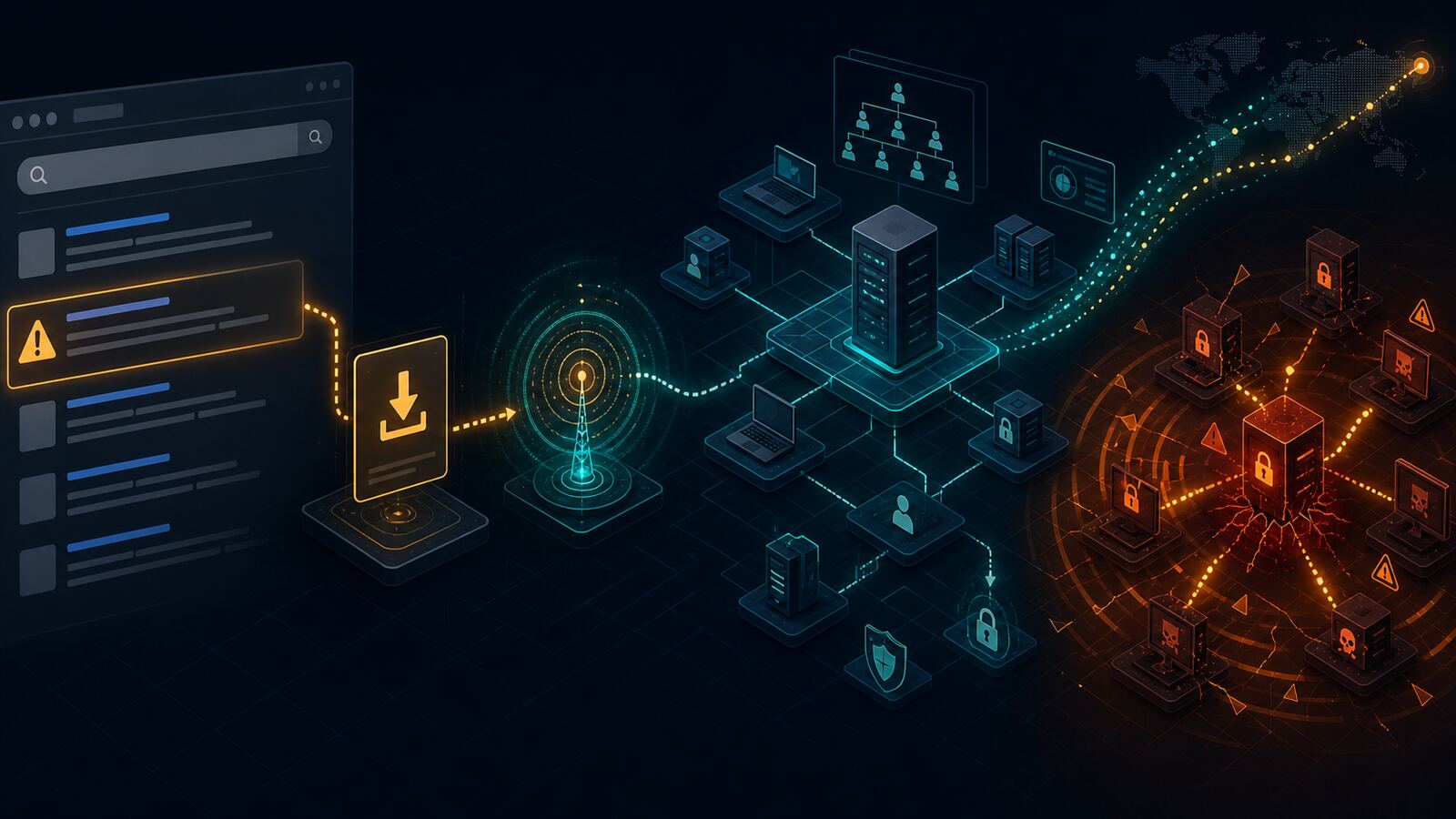
Search-engine poisoning is still one of the most dangerous initial-access paths because it turns routine admin work into a credentialed breach event. The latest public case study from The DFIR Report shows that a user searching for ManageEngine OpManager was routed to a look-alike site, downloaded a trojanized installer, and triggered a chain that ended with Akira ransomware.
For small businesses, managed service providers, and government contractors, the lesson is blunt: software download workflows are now part of the attack surface. If administrators can search the web, download tooling, and run installers with elevated rights, attackers can weaponize that habit into domain compromise.
What Happened
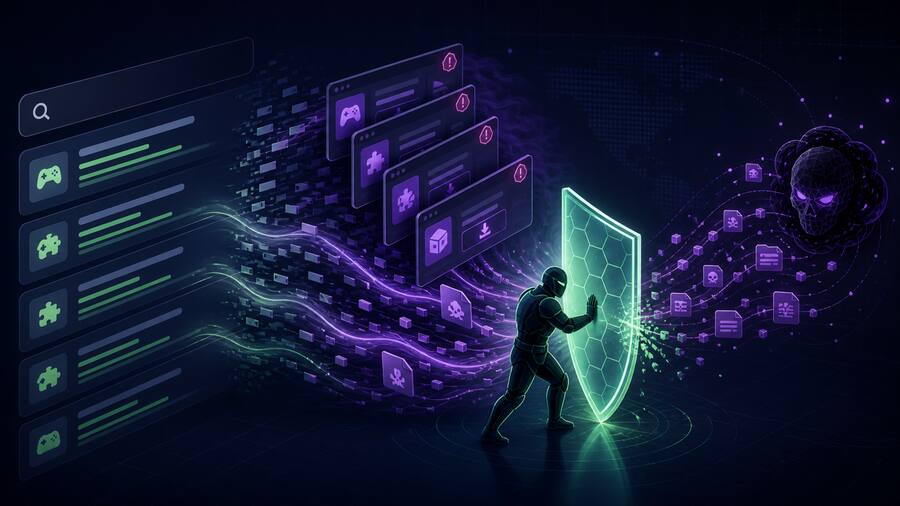
The incident began with SEO poisoning against searches for legitimate enterprise software. The victim landed on a convincing fake download page and ran a malicious MSI installer. The installer still presented expected software behavior, but it also staged BumbleBee malware through DLL side-loading.
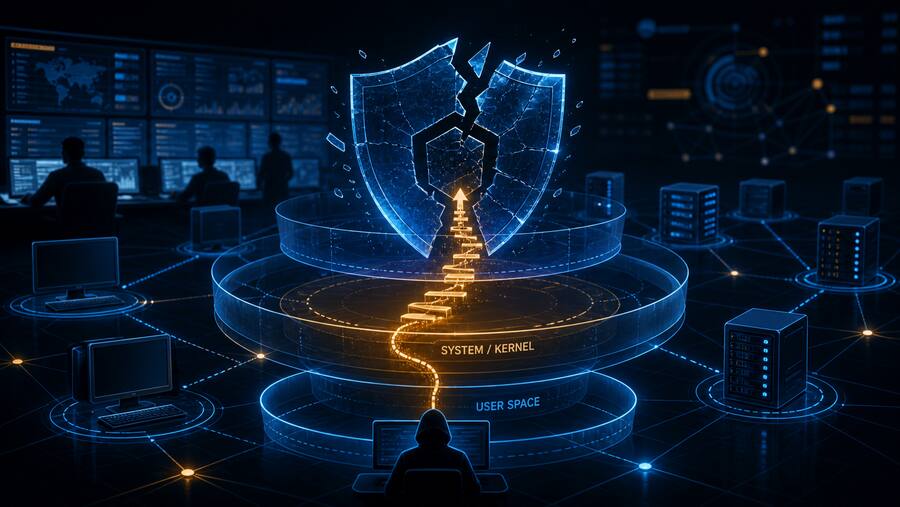
After the initial foothold, the actor deployed an AdaptixC2 beacon, performed discovery, created privileged domain accounts, moved laterally through RDP, harvested Active Directory and backup credentials, exfiltrated data, and finally deployed Akira ransomware. The reported timeline is the part defenders should care about most: this was not a slow, noisy campaign. The environment moved from fake installer to ransomware impact in roughly two days.
Why This Matters
This case is a strong example of how modern ransomware crews chain together multiple “normal-looking” behaviors:
- Search-driven initial access: The user was not opening a suspicious attachment. They were looking for legitimate admin software.
- Signed or plausible installers: Fake software packages can satisfy user expectations while staging malware in the background.
- Living-off-the-land movement: RDP, WMI, PowerShell, credential dumping, backup access, and file transfer utilities remain core ransomware tradecraft.
- C2 before encryption: The ransomware event was the end state, not the beginning. The decisive defensive window was during discovery, account creation, credential access, and exfiltration.
Defensive Takeaways
1. Treat admin downloads like privileged change control
Administrators should not be pulling infrastructure tools directly from search results. Build an approved software acquisition process: vendor bookmarks, checksum validation, signed-package verification, and internal repositories for common admin utilities.
2. Monitor for software installers running from user-writable paths
Alert on MSI execution from Downloads, Desktop, AppData, Temp, browser cache paths, and network shares. This is especially important when the parent process is a browser, file explorer, or archive tool.
3. Hunt DLL side-loading around trusted Windows binaries
The reported intrusion used DLL side-loading to make malicious code execute under a trusted process. Defenders should monitor for Windows binaries running outside expected system directories and loading DLLs from the same user-writable location.
4. Lock down RDP and privileged domain movement
RDP between workstations, servers, backup systems, and domain controllers should be tightly controlled. Domain Admin and Enterprise Admin use needs strong logging, just-in-time access where possible, and alerting for new privileged accounts.
5. Watch backup and Active Directory credential paths
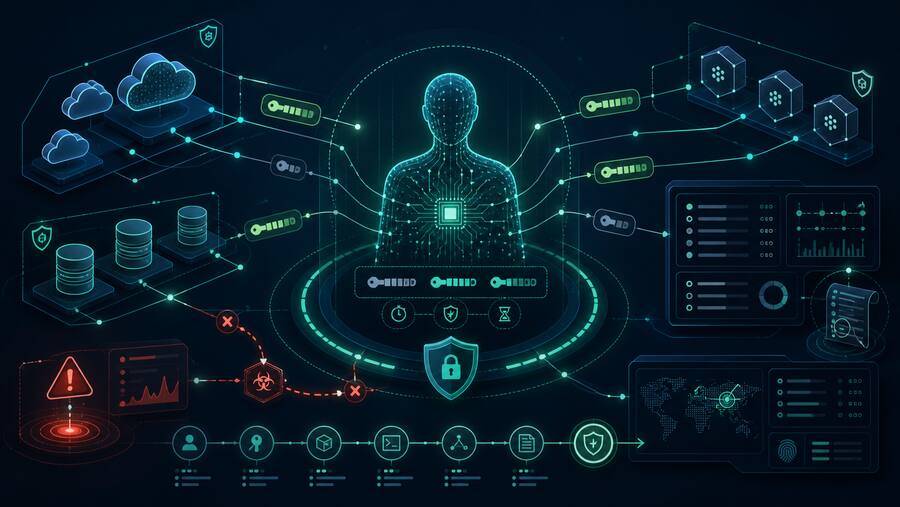
The intrusion involved credential harvesting from Active Directory and backup tooling. Backup servers are not just recovery infrastructure; they are tier-zero targets. Treat Veeam, domain controllers, and file servers as crown-jewel systems.
6. Detect exfiltration before ransomware deployment
Ransomware defense cannot stop at encryption alerts. FileZilla, SFTP, unusual outbound transfers, reverse tunnels, and new remote-management services should trigger investigation before the final payload lands.
Bulwark Black Assessment
The practical takeaway is that ransomware readiness starts before ransomware. The controls that matter here are boring but decisive: verified software sources, restricted admin browsing, application control, EDR coverage on servers, privileged-account monitoring, RDP segmentation, and backup-system hardening.
For SMBs and government contractors, this is also a policy problem. If your IT workflow still depends on “Google the tool, download it, run it as admin,” that workflow is now a credible ransomware pathway. Tightening that process is cheaper than rebuilding a domain after Akira gets there first.
Source: The DFIR Report — From Bing Search to Ransomware: Bumblebee and AdaptixC2 Deliver Akira